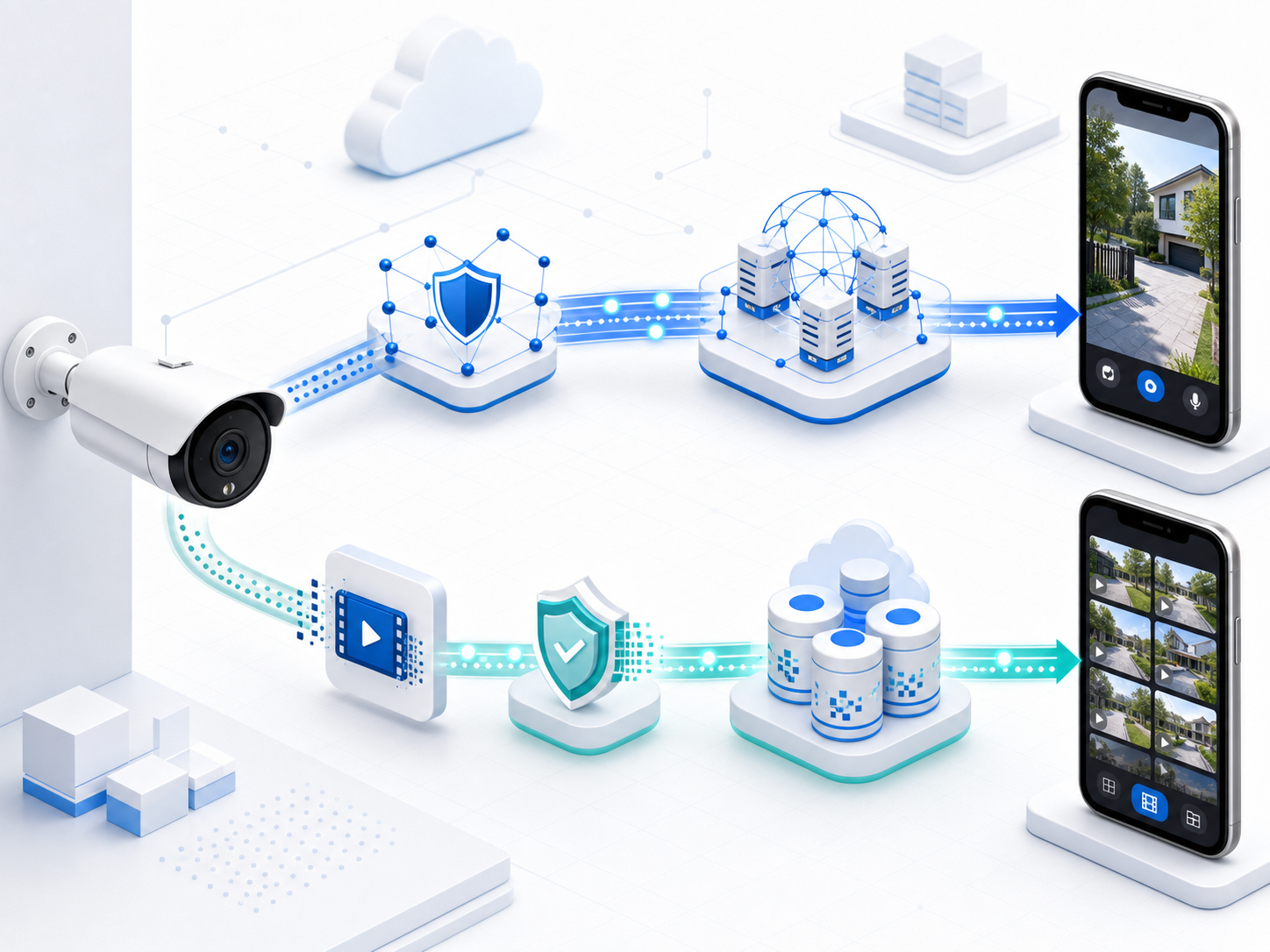
Live WebRTC and encrypted stored video are separate product paths.

Video Cloud

Realtek Connect+ provides Android and iOS SDKs for cloud signaling and stored-video workflows. Product apps integrate these SDKs with their platform WebRTC and media components to deliver the final viewing experience.

A camera connected to separate live signaling and encrypted stored-video paths ending in mobile viewing surfaces.

Highlights

What this service covers

  • Live WebRTC uses HTTPS control APIs plus the current device owner's MQTT or WebSocket transport
  • Recording, stored clips, and snapshots use an encrypted upload and playback lifecycle independent from live viewing
  • Live media frames remain peer-to-peer or TURN-relayed and are not automatically stored by the cloud

Capabilities

Platform building blocks

  • HTTPS ICE, session create, answer retrieval, close, expiry, and failure-state helpers
  • Current-owner MQTT or WebSocket delivery of the same webrtc_offer signaling payload; delivery does not fan out or automatically fall back to a non-owner transport
  • Authorize, presigned upload, completion, listing, thumbnail, short-lived playback, URL refresh, and deletion workflows

Outcomes

Why product teams use it

  • Integrate cloud signaling without building a separate signaling backend
  • Keep platform WebRTC rendering and product UX under the app team's control
  • Make live viewing, recording, clips, and snapshots operationally and technically distinct

Live WebRTC

One signaling lifecycle, with media owned by the endpoints

Realtek Connect+ coordinates signaling and ICE/TURN access. The app and device connect and render the actual media.

  1. Get ICE

    The app calls the HTTPS ICE API through the RTK SDK.

  2. Create offer

    The app's platform WebRTC component creates the SDP offer.

  3. Open session

    The RTK SDK creates the signaling session over HTTPS.

  4. Deliver offer

    The cloud sends webrtc_offer through the current device owner's MQTT or WebSocket transport.

  5. Build answer

    Device SDK or firmware receives the offer, connects camera and audio tracks, and creates an answer.

  6. Submit answer

    The device returns its SDP answer through the HTTPS answer API.

  7. Negotiate media

    The app retrieves the answer through the RTK SDK and completes platform media negotiation.

  8. Close

    The app or device closes the session; expiry and timeout also terminate stale sessions.

Stored video

Encrypt complete media objects before direct upload

A stored clip is created by a separate recording and upload workflow. A live session never becomes a clip automatically.

  1. Record

    The product records a complete MP4 clip or captures a JPEG snapshot.

  2. Encrypt

    The client encrypts the media object and keeps wrapped-key material out of logs.

  3. Authorize

    The RTK SDK requests an upload lifecycle and a short-lived presigned PUT URL.

  4. Upload

    The client performs one direct object-storage PUT within the upload lifecycle.

  5. Complete

    The SDK marks the upload complete so the service can verify and expose the ready object.

  6. Browse and play

    Apps list, filter, page, show thumbnails, refresh short-lived range URLs, play, and delete.

Responsibility matrix

Connect each layer without hiding its boundary

The same responsibility split applies to product architecture, SDK evaluation, and support troubleshooting.

Layer Provided capability Integration boundary
Realtek Connect+ cloud HTTPS signaling, current-owner MQTT/WebSocket delivery, TURN credentials, session state, and stored-video lifecycle APIs. Coordinates control and storage workflows; does not receive or store Live media frames.
RTK Android/iOS SDK Authentication, ICE, offer/answer/close helpers, stable errors, and clip workflow helpers. Returns session and media-object data to the product app; does not bundle a complete WebRTC renderer.
Product app Product-specific live and recorded viewing experience. Integrates platform WebRTC, renderer, audio policy, lifecycle, controls, empty/error states, and playback URL refresh.
Device SDK or firmware Offer handling, answer generation, camera/audio tracks, recording, encryption, and resource enforcement. Owns physical media validation, codecs, track attachment, and constrained-device behavior.

Sample truth matrix

Use each sample for the validation it actually performs

Fixture and host-smoke samples are useful integration evidence, but they are not physical media validation.

SampleVisible statusWhat it validatesWhat it does not prove
Android playbackReal SDK + Media3Stored clip list and playback integration.Live WebRTC rendering.
iOS playbackReal SDK + AVPlayerStored clip list and playback integration.Live WebRTC rendering.
Android/iOS LiveRTK signaling integration / fixture UISession data, offer/answer, close, and UI lifecycle.Complete media rendering or physical camera validation.
WebApp Ops LabFixture-backedSignaling helper demonstration and operations workflow.A production WebRTC peer or native onboarding.
Linux simulatorDevice workflow simulatorCommands, state, reports, and validation evidence.Camera frames or WebRTC signaling.
PRO2 host smokeAdapter + lifecycle smokeAdapter wiring and signaling lifecycle.Physical camera, audio, codec, or rendered-media validation.

Snapshot versus clip

Choose the media object that matches the user action

Snapshots and clips share authorization and secure delivery concepts, but they are not interchangeable.

  • A snapshot is one JPEG still image for a preview, alert, or point-in-time inspection; the current technical default limit is 5 MiB.
  • A clip is one completed MP4 media object for recorded playback; the current technical default limit is 256 MiB.
  • Neither object is produced by Live WebRTC unless the product explicitly records and runs the stored-video workflow.

Retention and URL defaults

Treat current values as deployment configuration, not pricing or SLA

Deployment operators select the applicable storage policy and must confirm commercial, regional, backup, and recovery requirements separately.

  • Retention profiles are deployment-configurable at 1, 7, or 30 days.
  • Signed upload and playback URLs currently default to 10 minutes; clients refresh playback URLs instead of persisting them.
  • An authorized upload lifecycle currently defaults to 30 minutes and transitions to failed or expired when it cannot complete.
  • All limits on this page are current technical defaults, not a price, quota commitment, backup promise, region commitment, or SLA.

Current release boundary

Know what product integration still owns

The SDKs remove cloud workflow boilerplate while preserving explicit media and UX ownership.

  • The current release does not bundle server-side transcoding, S3 multipart upload, simulcast negotiation, renegotiation, or a complete in-SDK WebRTC media renderer.
  • Product apps own the platform WebRTC component, media renderer, audio policy, foreground/background behavior, and the final viewing UX.
  • Device SDK or firmware owns offer handling, answer generation, camera and audio tracks, codecs, and device resource limits.

Related

Continue the integration path

Next step

Evaluate Video Cloud for your product roadmap.

Share your product category, target deployment, and cloud requirements with the Realtek Connect+ team.

Talk to sales