Highlights
What this service covers
- Node registration, certificate bootstrapping, and registry lifecycle state
- Groups, tags, metadata, sharing, and batch operator actions
- OTA job visibility, firmware image tracking, and fleet health widgets
 Connect+
Operate connected products after launch.
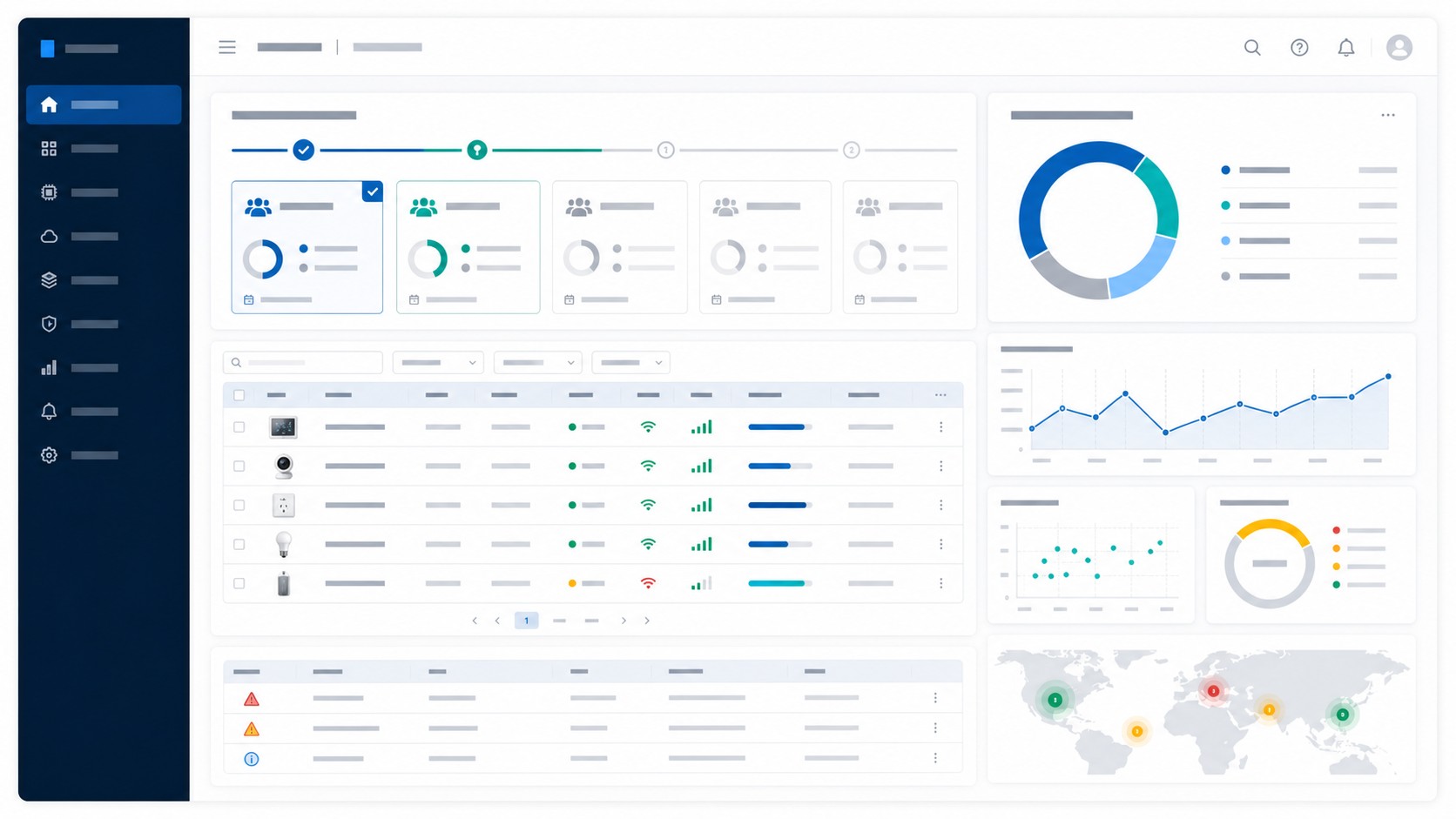
Fleet Management expands the public operations story beyond the website's sales-lead admin page. It describes how product teams register nodes, issue device identity material, organize the registry, coordinate firmware operations, and review fleet-wide operator widgets in a future IoT platform console.
Highlights
Capabilities
Outcomes
Operations Surface
Realtek Connect+ now describes the public operations story in concrete operator terms while keeping the website's own admin runtime clearly scoped to lead review.
| Workflow | What operators manage | Why it matters | Website boundary |
|---|---|---|---|
| Node registration | Serials, models, bootstrap certificates, claim state, and factory readiness for newly manufactured devices. | Gives support and onboarding teams a traceable source of truth before devices reach customers. | Described as future platform-console scope; this repo does not expose a live node-registration UI. |
| Device registry | Searchable inventory, groups, tags, timezone or ownership metadata, and node-sharing visibility. | Keeps fleets searchable and lets teams target the right cohort for support or release actions. | Public feature content only; the current Go app ships marketing pages plus protected lead review. |
| Release operations | Firmware images, OTA jobs, rollout cohorts, and batch actions tied to registry segments. | Lets release managers coordinate campaigns without breaking the device inventory context. | OTA and fleet operations are described credibly, but the website runtime is not a production release console. |
| Statistics widgets | Activation totals, firmware distribution, alert backlog, and operator task queues. | Surfaces the metrics product, support, and operations teams watch first after launch. | These widgets describe expected operator dashboards; the shipped admin endpoint remains /admin/leads for website sales workflow only. |
Registration
The fleet story now starts at the point where hardware leaves the factory and enters a managed registry.
Operations
Registry views are positioned as the operator surface that connects provisioning, OTA, and customer support work.
Operator Widgets
Dashboard widgets keep the page concrete while staying honest about what this repository actually ships today.
Next step
Share your product category, target deployment, and cloud requirements with the Realtek Connect+ team.