
Manual
SDK Sample Applications
Validate app and device flows with the Realtek Connect+ SDK sample ecosystem.
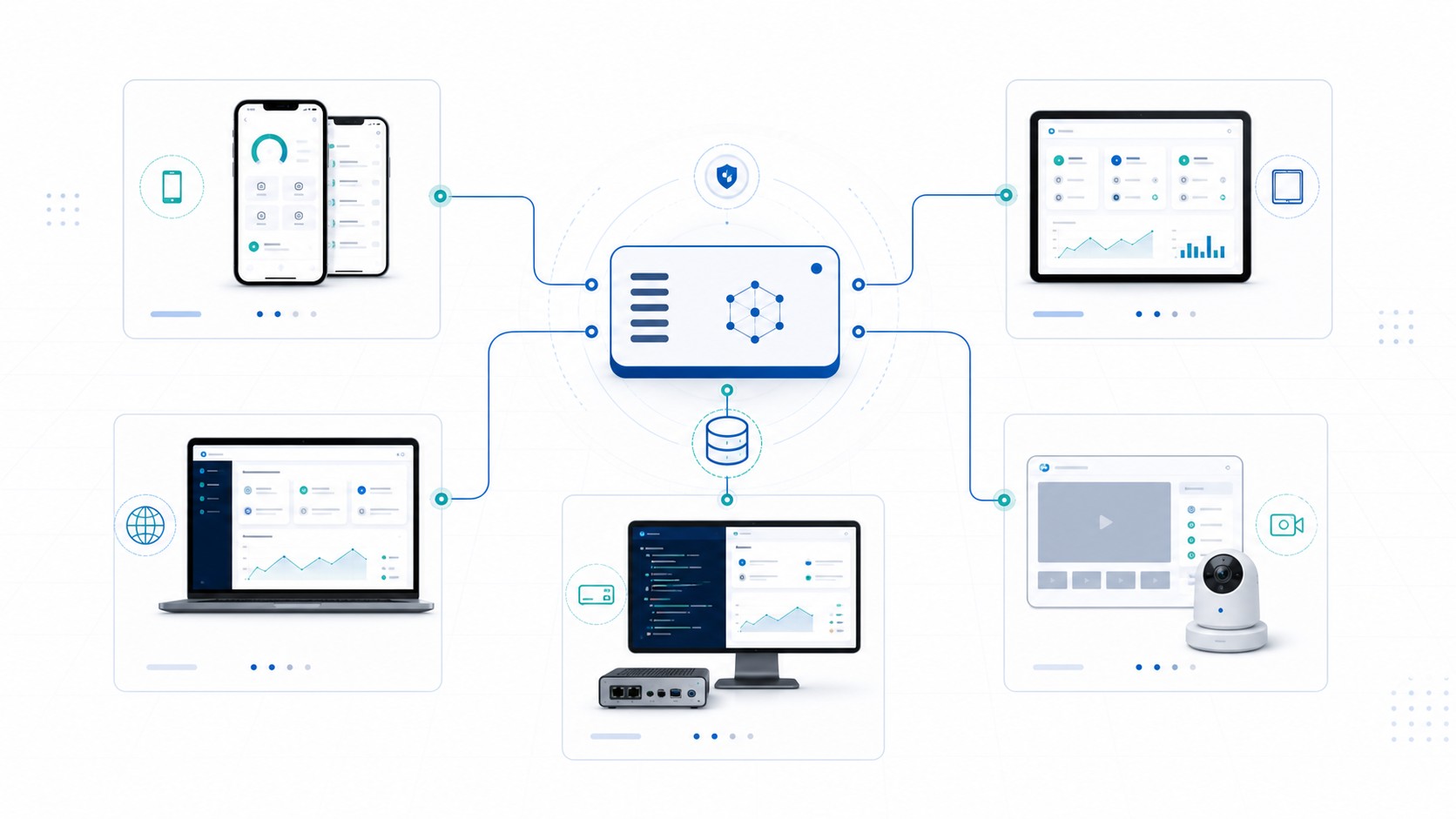
Realtek Connect+ customer evaluations should start with runnable reference samples before product teams commit to a branded app, production firmware, or a private deployment plan. The detailed source of truth stays in the rtk_cloud_client repository, especially docs/SAMPLE_APPLICATIONS.md and the sample-specific README files.
Sample families
| Family | Samples | Purpose |
|---|---|---|
| Home app reference clients | Android Home Automation sample, iOS Home Automation sample, WebApp Ops Lab sample | Validate app-side SDK usage for token setup, provisioning, device list/detail, light and AC control, camera monitor, debug report, and evidence collection. |
| Device reference clients | Linux simulator, PRO2 camera device demo | Linux validates command/state/report/snapshot metadata without camera frames or WebRTC signaling. PRO2 host smoke validates adapter and signaling lifecycle; physical hardware validates media. |
Customer evaluation path
- Run the Linux simulator first to validate light, AC, meter, state, report, and snapshot-metadata behavior without physical hardware. It does not simulate camera frames or WebRTC signaling.
- Use the WebApp Ops Lab sample to exercise cloud-side onboarding, device registry exploration, MQTT payload inspection, simulated controls, camera helper flows, and debug report generation.
- Run the Android and iOS Home Automation samples to verify native mobile flows, setup profiles, device control, camera monitor boundaries, and redacted debug evidence.
- Use PRO2 host smoke for adapter and signaling-lifecycle evidence. Connect a physical PRO2 camera device to validate snapshot, camera/audio, codec, and WebRTC answerer media behavior.
Boundaries
- These samples are SDK usage references, not production app-store apps, white-label release packages, or customer release artifacts.
- The WebApp sample demonstrates browser-side cloud flows and does not implement BLE or SoftAP onboarding.
- The sample command schema for light and AC controls is a sample-local reference, not a formal cloud wire contract.
- Video streaming copy is WebRTC Video over TURN only; TURN and coturn are described only as WebRTC ICE infrastructure, not as standalone relay products.
- Product teams still own production UX, app signing, app-store publishing, household sharing, push delivery, scenes, schedules, automation, and market-specific release policy.
Source documents
| Topic | Source |
|---|---|
| Sample ecosystem overview | docs/SAMPLE_APPLICATIONS.md |
| Home app behavior | docs/SAMPLE_HOME_APP_SPEC.md |
| Device reference behavior | docs/SAMPLE_DEVICE_APP_SPEC.md |
| Android sample | samples/android/README.md |
| iOS sample | samples/ios/README.md |
| WebApp sample | samples/webapp/README.md |
| Linux simulator | samples/linux-simulator/README.md |
| PRO2 device demo | packages/freertos/pro2_demo/README.md |
Next step
Use the samples to decide which app and device path matches your product evaluation, then contact the Realtek Connect+ team to discuss SDK scope, device class, and deployment assumptions.