Highlights
What this service covers
- Remote and local control paths for everyday device actions
- Schedules, scenes, groups, and shared-home coordination
- Push notifications and alerts that bring users back into the branded app at the right moment
 Connect+
Give end users clear control after onboarding.
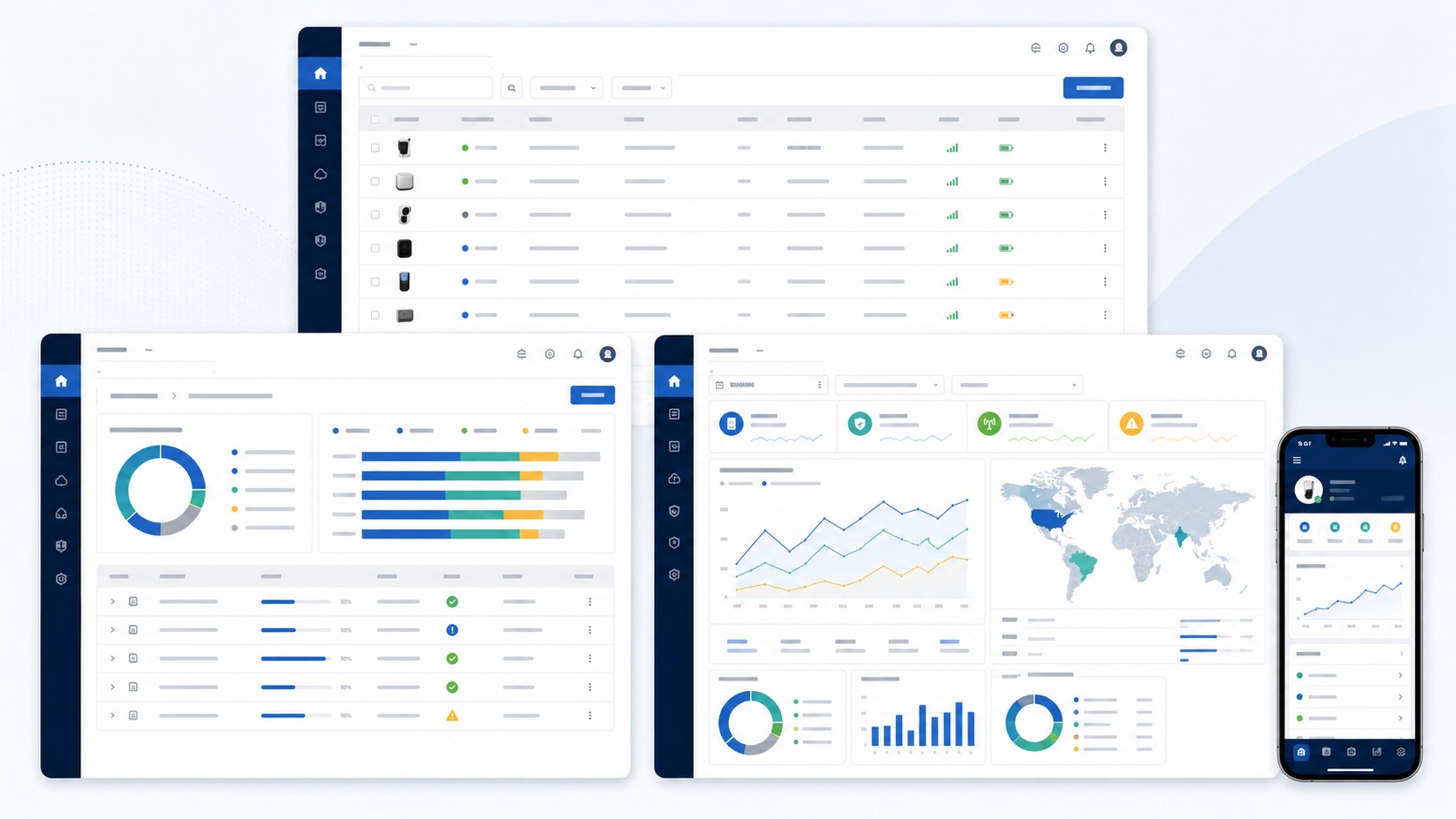
Smart Home Experience describes the consumer-facing product surface that sits on top of Realtek Connect+ cloud and app foundations. It covers how households control devices, automate routines, share access, and stay informed without implying that this marketing website is the shipped mobile app runtime.
Highlights
Capabilities
Outcomes
End-user Workflows
Realtek Connect+ uses this page to describe how households move between direct control, automation, and shared-home coordination while the website itself remains a product narrative.
| Workflow | What the user does | Why it matters | Platform boundary |
|---|---|---|---|
| Remote control | Open the branded app away from home to adjust power, mode, or device state through the cloud path. | Keeps products useful when the user is not on the local network. | Described as app and cloud capability scope; this repo does not ship the native control client. |
| Local control | Use home-network control paths for fast response and resilient fallback when internet conditions are poor. | Improves perceived reliability for products that users expect to react immediately. | Positioned as a product capability story layered on top of Realtek Connect+ device and app integration work. |
| Schedules and scenes | Set timed routines and multi-device actions that match household habits instead of manually repeating the same steps. | Turns connected devices into repeatable home workflows instead of one-off remote commands. | Automation behavior is described here without claiming a finished rules engine in this website runtime. |
| Grouping and sharing | Organize devices by room or home and invite additional household members into the right node set. | Makes multi-device homes and multi-user access understandable at consumer scale. | The marketing site explains the end-user model while leaving production identity and permissions to future app/platform implementations. |
| Push notifications and alerts | Receive actionable updates about onboarding, offline status, abnormal events, or pending actions that need attention. | Brings users back into the app only when context matters and supports support-readiness planning. | Notification delivery is presented as product capability scope, not as a promise that this website emits live device alerts today. |
Control Modes
The page frames control as a product experience with multiple paths instead of a single mobile button.
Automation
Automation content focuses on the user workflows buyers expect once a product ships beyond basic provisioning.
Household Sharing
Sharing and notification flows are treated as part of the consumer product model, not as back-office admin tools.
Next step
Share your product category, target deployment, and cloud requirements with the Realtek Connect+ team.